Monitor Line Activity
Use the System Status application to monitor line activity in real time.
- Double-click on the System Status icon:

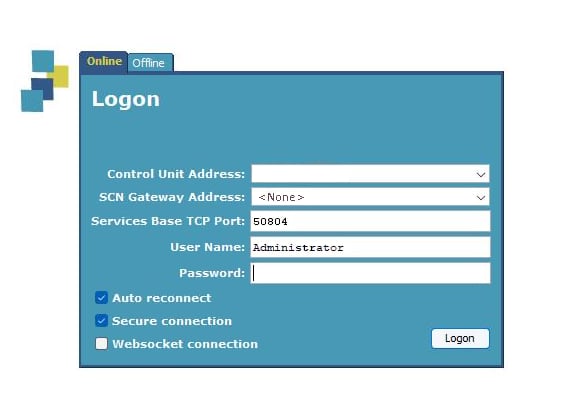
- Enter the units IP address, and login information:
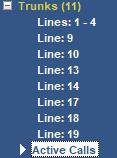
- Click on Active Calls in sub-menu of Trunks:
- Place a call...
- the active call should appear:
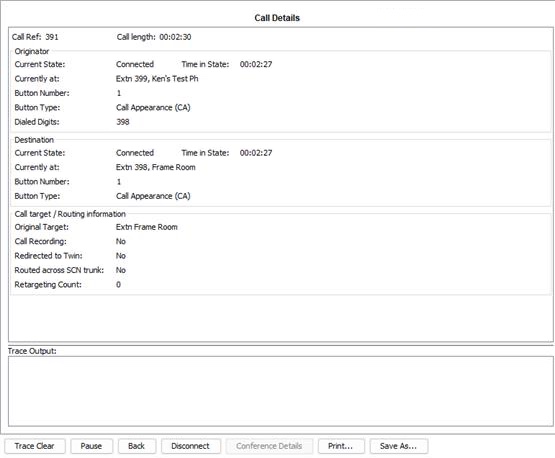
- Double-click on call for details: